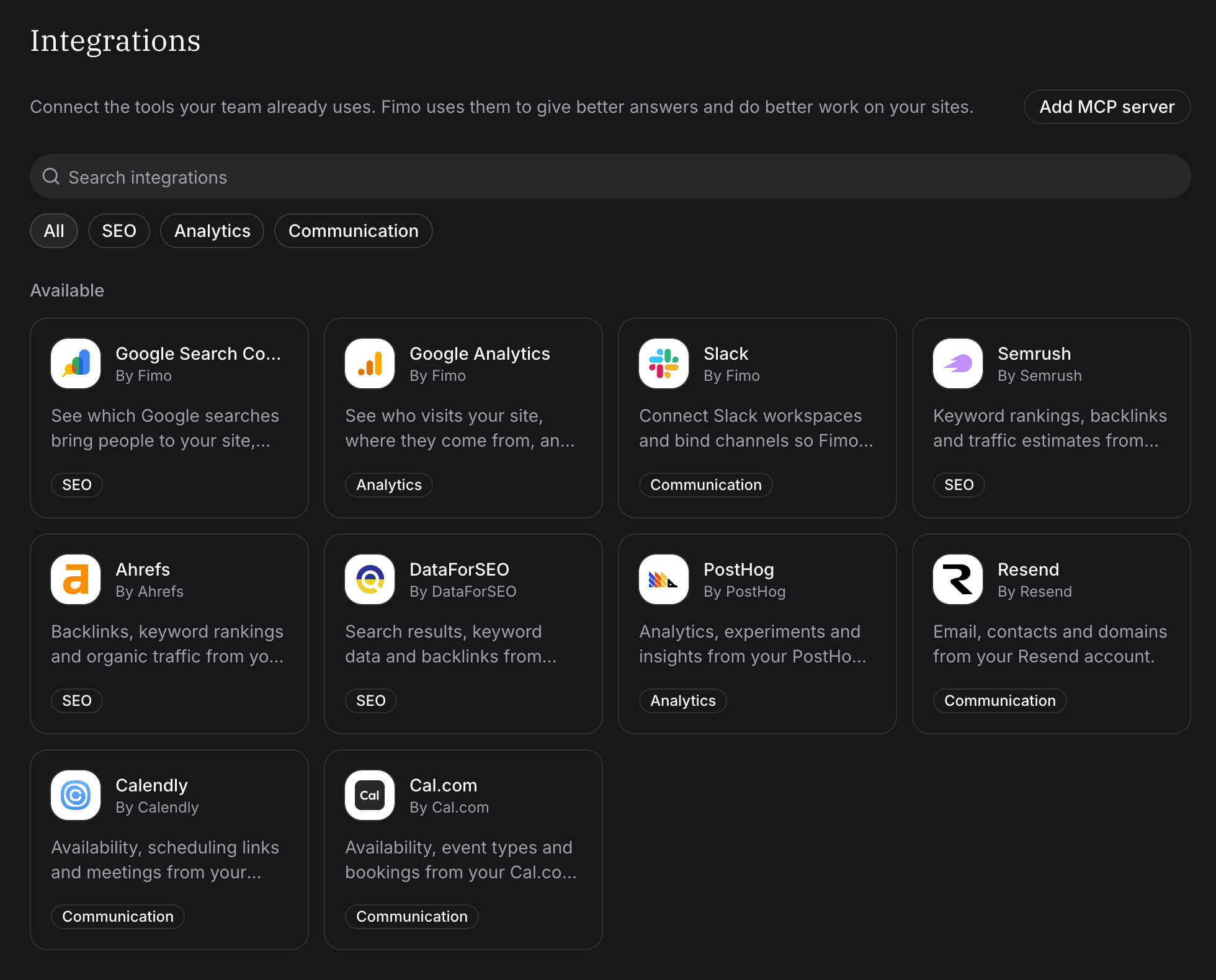
Bring the tools your team already uses into every site. An organization admin connects an integration once, chooses the sites that use it, and chat, agents, the CLI and the hosted MCP can work with its data on those sites. Fimo's organization Integrations page listing Slack, SEO, analytics, email and scheduling integrations, with Add MCP server

Connect once, for every site

Open Integrations in the organization sidebar. Sign in to Ahrefs, DataForSEO, PostHog, Resend, Calendly or Cal.com, paste a Semrush key, select Add to Slack, or add your own MCP server, such as an internal tool or a CRM. Under Site access, choose All sites or only the sites that need it. Each site lists the integrations your organization connected in Settings → Integrations, where the people who manage it can switch one off. Connect an integration

Ask the way you would ask a colleague

Ask “Which of our keywords lost rankings this month?” or “How many people signed up from the new landing page this week?”. Chat finds the right tool, reads the data for that site only, and combines it with your site’s content. Mention Fimo in a Slack channel you chose and it answers in the thread. Coding agents and scripts use the same integrations:
Use integrations in chat and the CLI

Changes need a yes

Reads always run. When an agent wants to change something in another service, such as sending an email through Resend, Fimo asks first: Allow once, Always allow on this site, or Decline. Actions that cost money ask every time. See how approvals work See all updates